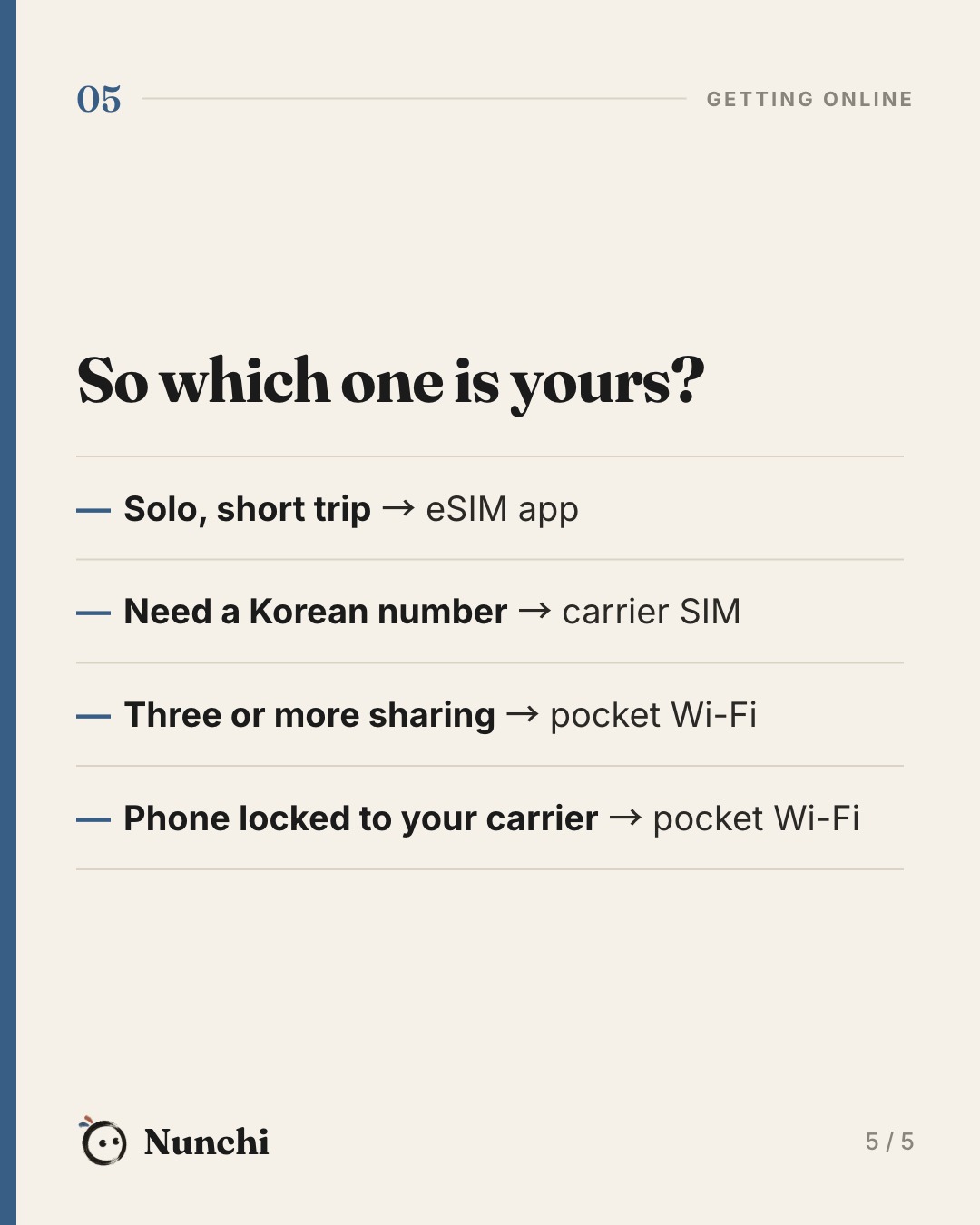
The question that decides it: do you need a Korean number?
Every option gets you fast data. Korean mobile networks are among the quickest anywhere, so speed is not the deciding factor. The real difference is the phone number.
A Korean number matters if you want to book a taxi with card payment in Kakao T, join a restaurant waiting list that texts you when your table is ready, or sign up for apps that verify by text. If you will mostly use Naver Map, Papago, KakaoTalk and Instagram, you do not need one.
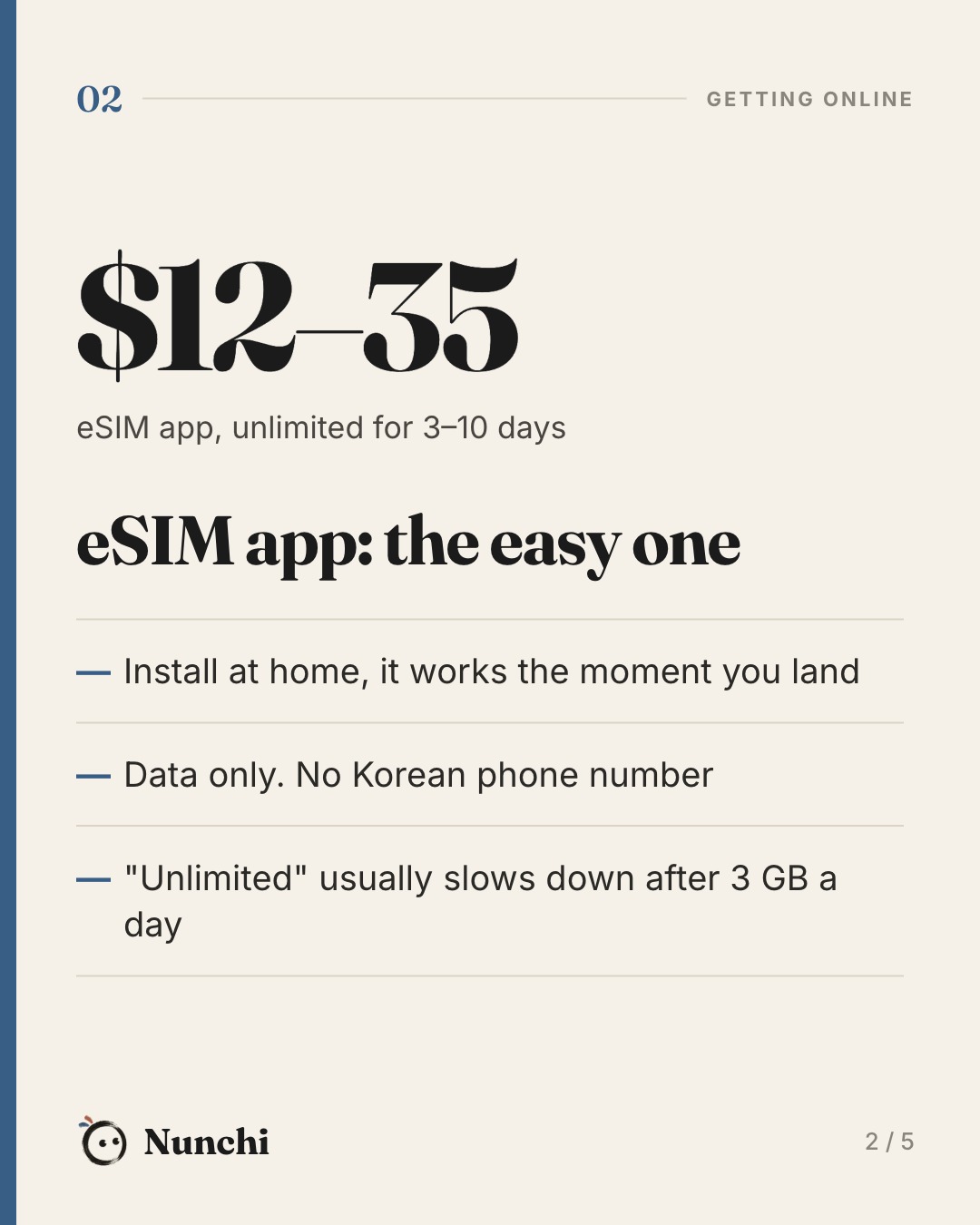
Option 1: an eSIM app
You buy a plan in an app before the trip, scan or tap to install it, and switch it on when you land. No queue at the airport and nothing to lose.
| Airalo Korea, unlimited | Price |
|---|---|
| 3 days | $12 |
| 5 days | $20 |
| 10 days | $35 |
| 30 days | $69 |
Fixed plans are cheaper if you don't stream much: 5 GB for about $10 and 10 GB for about $18 (7 days). Holafly's unlimited plans cost more ($20.50 for 5 days) but run on SK Telecom and LG U+ and slow down less.
- Good: cheapest, ready on arrival, keeps your home SIM active for bank texts.
- Not so good: data only. Most "unlimited" plans drop to about 1 Mbps after 3 GB in a day.
Option 2: a Korean carrier SIM or eSIM
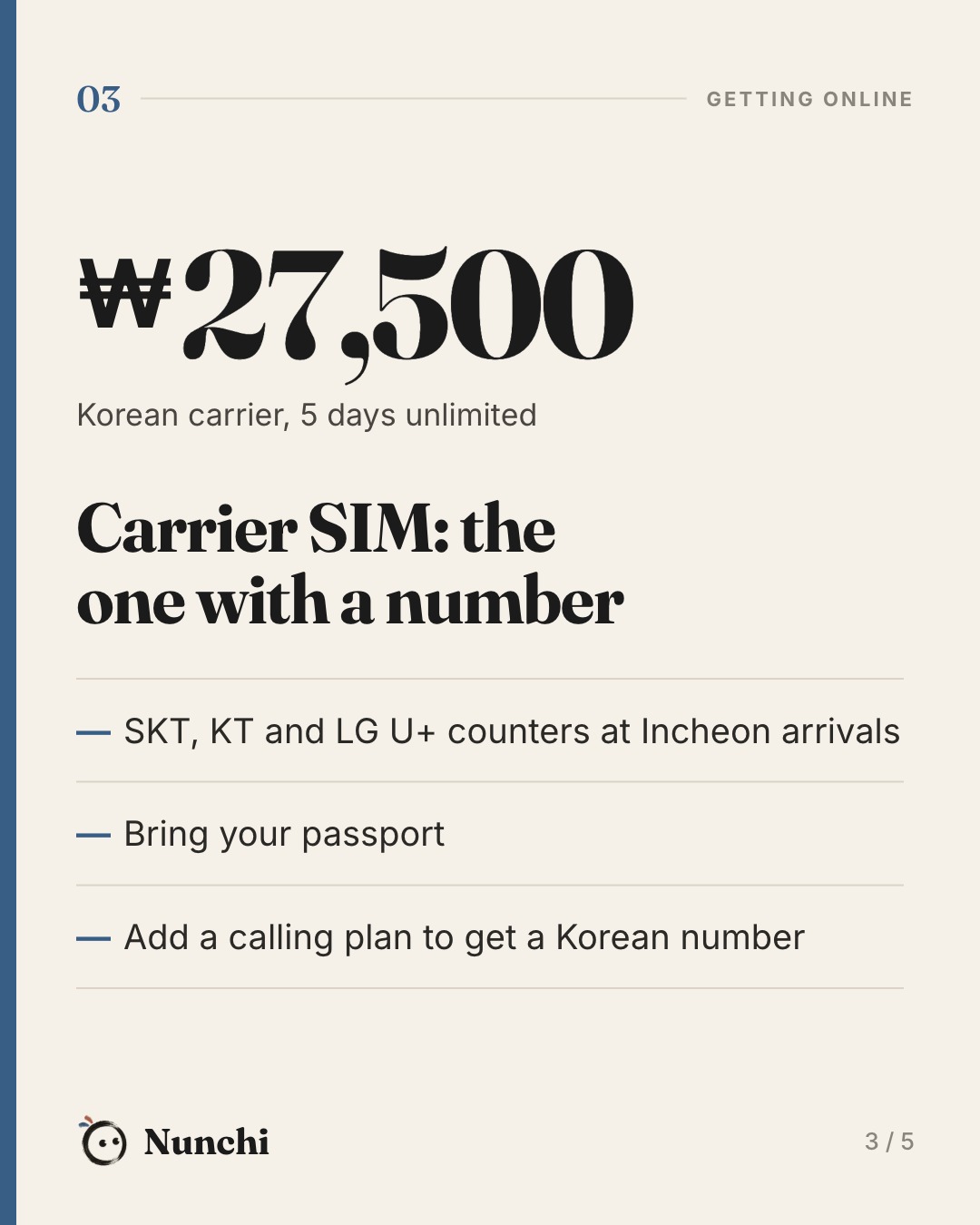
SK Telecom, KT and LG U+ all sell tourist plans from counters in the Incheon arrivals hall, and online in advance. At the counter, unlimited data costs about ₩27,500 for 5 days, ₩38,500 for 10 days and ₩71,500 for 30 days. Booking online is usually 10% cheaper.
The number is the catch. A data-only plan gives you, at most, a number that can receive calls and texts. To call or text out, add a voice option at the airport counter. Even then, a tourist number won't pass Korean bank or government identity checks. That is normal and nothing to fix.
- Good: real Korean network, no daily slowdown, a local number if you add calling.
- Not so good: costs more, airport queue, and you need your passport. LG U+ limits it to three per passport.
Option 3: pocket Wi-Fi
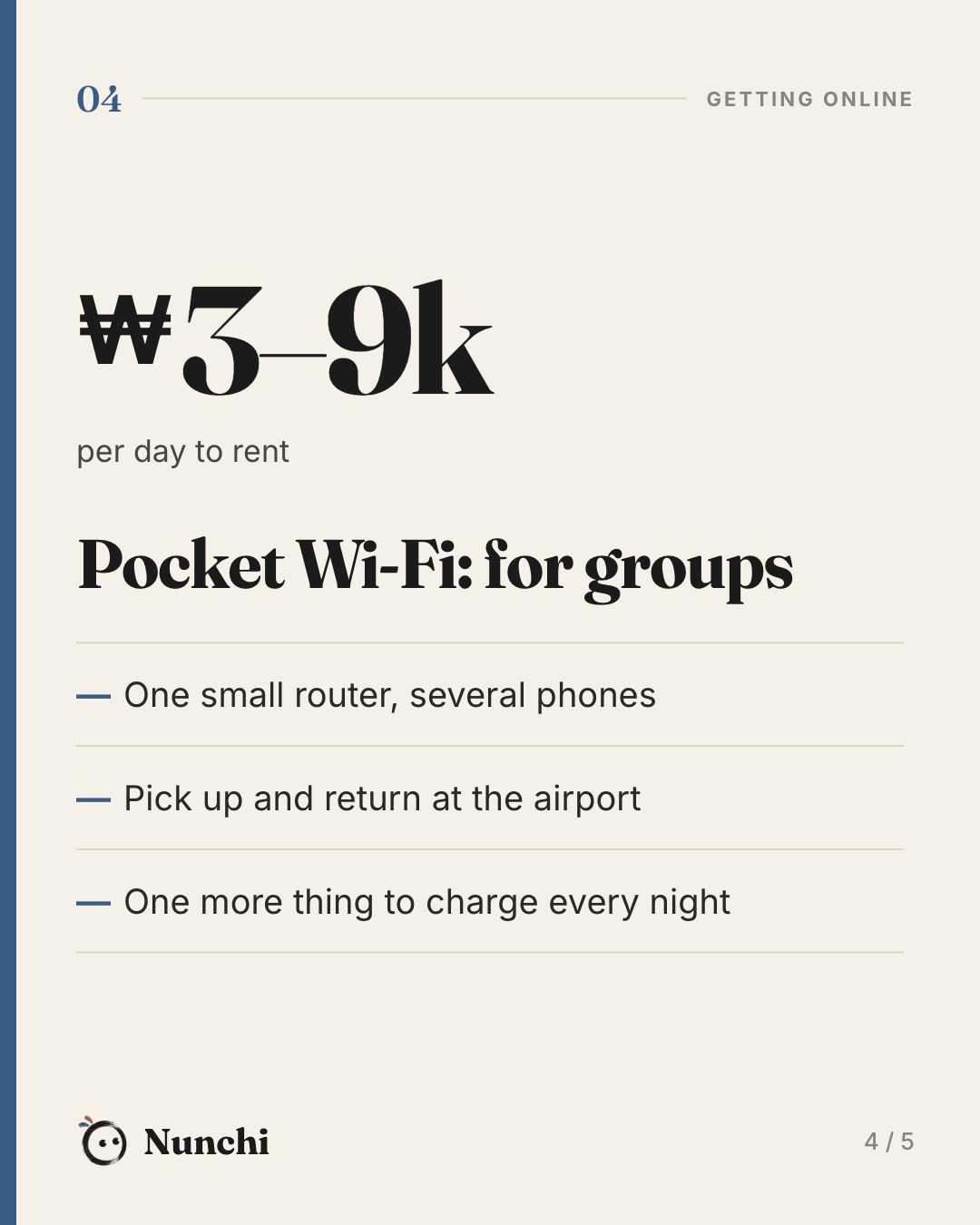
A small battery router (Koreans call it an "egg") that you rent by the day, usually ₩3,000–9,000. Pick it up at an Incheon roaming counter and drop it back on the way home.
- Good: one device for the whole group. It also works with phones locked to a home carrier.
- Not so good: everyone has to stay together, and it needs charging every night. If it's in someone else's bag, you're offline.
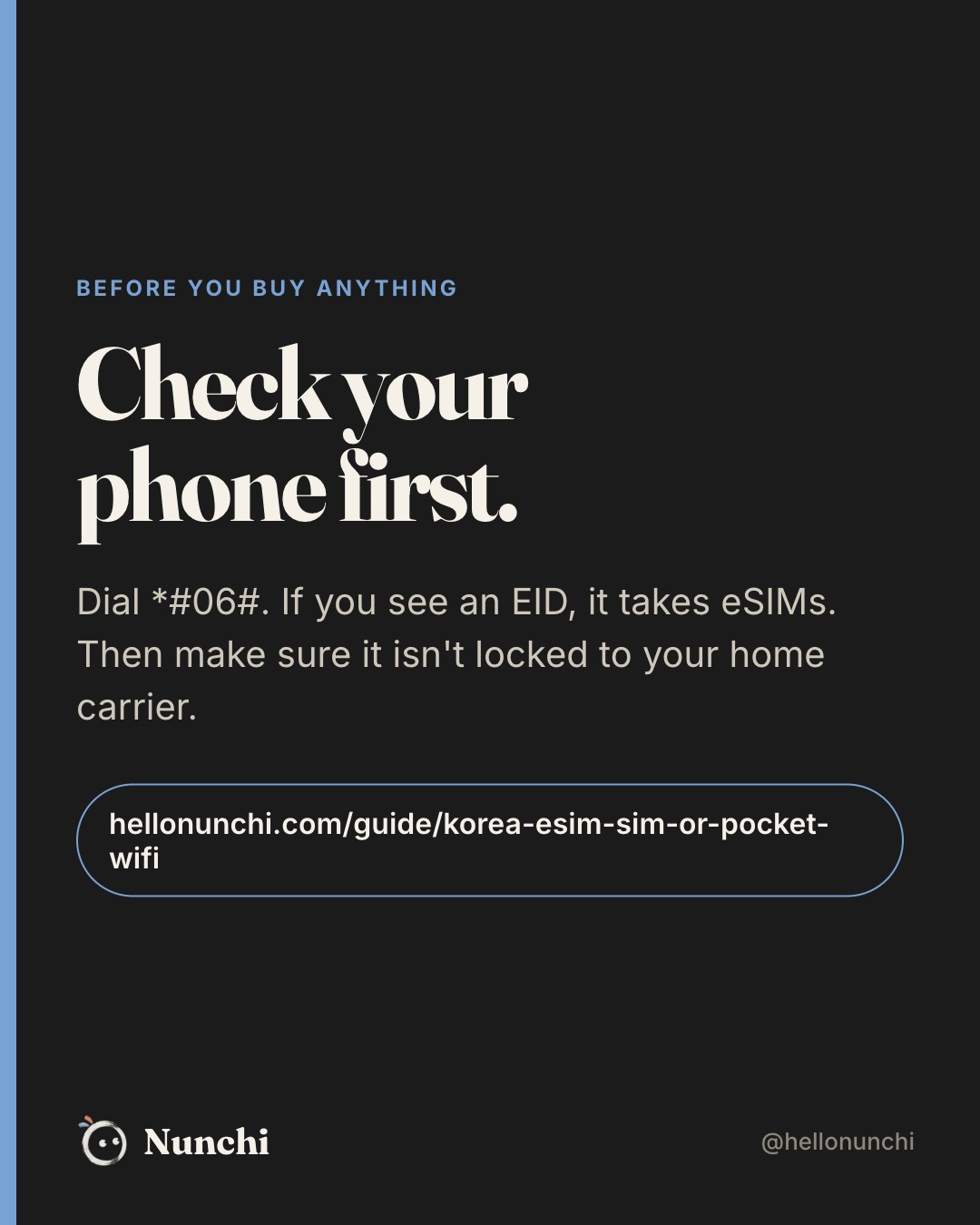
Check your phone before you pay
- eSIM support: dial *#06#. If an EID appears, your phone takes eSIMs.
- Unlocked: on iPhone, go to Settings › General › About and look for Carrier Lock: No SIM restrictions. On Android, ask your carrier. An EID alone does not mean the phone is unlocked.
- Phone locked to your carrier? Neither an eSIM nor a Korean SIM will work. Rent a pocket Wi-Fi.
You'll find free Wi-Fi almost everywhere
Seoul runs more than 35,000 public Wi-Fi points on streets, in parks, at markets and on city buses. Look for SEOUL_Secure (ID and password: seoul). Subway trains, cafés and most restaurants have Wi-Fi too. So if your hotel has good Wi-Fi, a smaller plan is usually enough.
Set up KakaoTalk with your home number before you fly. Korean friends, guesthouses and tour guides will message you there, so you won't need a Korean number for that.